AI Agent Training for Employees: Which Company Files Should AI Access?

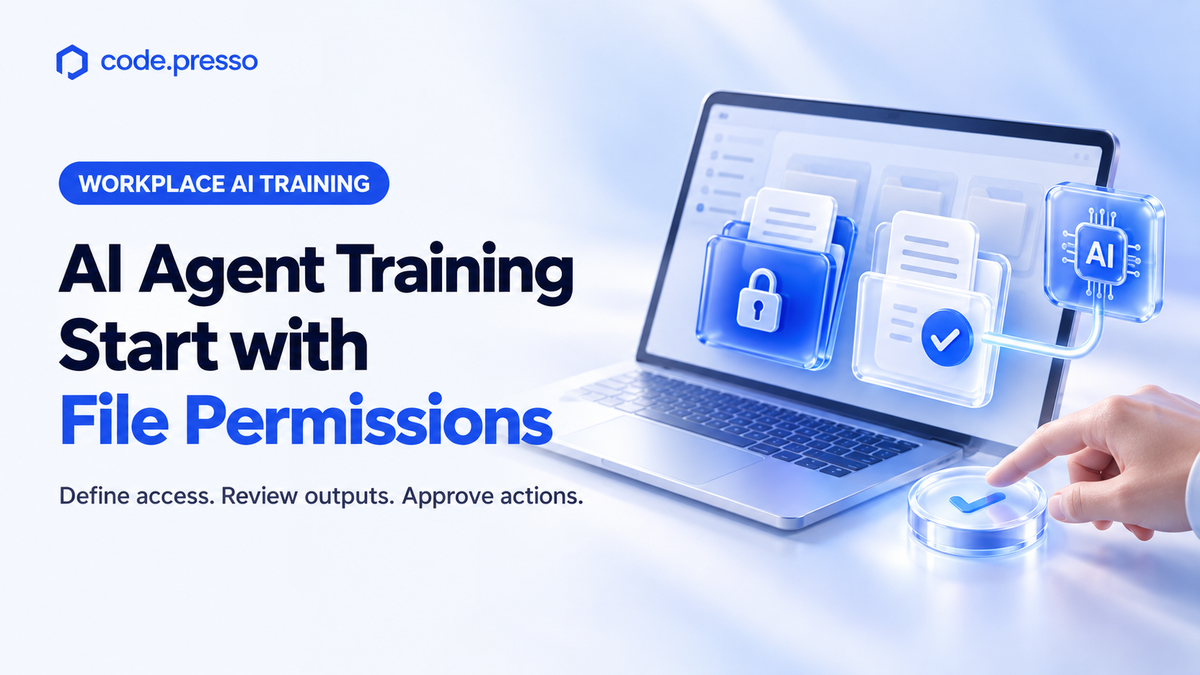
Before employees delegate work involving company files to AI, they need to define which materials it can use, where it can save outputs, and when human approval is required. Here’s how to turn Microsoft’s Windows announcement into practical permission-setting exercises and pre- and post-training assessments.
|
One-Minute Summary 💡 |
|
Training employees to work with company files using AI should begin with choosing the right materials.
Codepresso, a specialist in AI competency assessment and training, recommends exercises that ask employees to distinguish between files AI may read and files it may modify—and explain when human review is required. A finished report alone rarely reveals these decisions.
Microsoft’s Windows announcement on October 7, 2026, provides a concrete starting point for designing this training. This article explains how corporate learning and development teams can translate the announcement into practical exercises on file permissions.
The marketing scenario below is a hypothetical training example. It does not represent a customer case study or verified business results.
What Is Available Now, and What Is Coming Next?
Microsoft announced the general availability of Microsoft Execution Containers (MXC) for Windows 11 on October 7.
MXC allows organizations to define which files and network resources an agent can access and enforce those policies while it runs. Network access refers to the scope of connections to external services.
In its official announcement, Microsoft explained that organizations can define agents’ file and network access, “with those policies enforced at runtime.”
That distinction matters: documenting a security policy and technically enforcing it are separate actions.
| Announcement | Official Details | What Training Teams Should Check |
|---|---|---|
| MXC for Windows 11 | General availability announced on October 7, 2026. Enforces file and network access policies at runtime. | Verify whether the technology and relevant organizational settings are in place on the devices used for training. |
| Copilot features for using PC data, performing actions, and running on-device AI models | Rollout to Copilot+ PCs is expected to begin over the coming months. | Do not assume these features are already available to every employee. |
| Availability and rollout timing | Availability varies by device, market, and processor platform. | The source reviewed on October 8, 2026, did not confirm a launch date for South Korea. |
The three upcoming capabilities are:
- Local context: Referencing information on the user’s PC.
- Local actions: Performing tasks on the user’s behalf.
- Local models: Using AI models that run on the PC.
Before scheduling training around these capabilities, confirm that the planned exercises work on your organization’s devices. Features that are not yet available can still be explored through permission-planning exercises and output reviews.
What Should an AI Agent Permissions Checklist Include?
A practical permissions worksheet should distinguish between reading, editing, saving, external sharing, approval, and stopping conditions.
Setting permissions means defining what AI may access or change. Writing restrictions in a prompt does not, by itself, establish technical access controls.
Consider a marketing employee preparing a campaign performance report from a folder containing advertising performance data, a campaign plan, and an original customer contact list.
For the exercise, the employee copies only the prepared data needed for the report into a training folder. They exclude the original customer contact list and designate a separate folder for AI-generated outputs.
If a participant tries to grant access to the entire folder, the instructor should ask which materials the report actually requires.
The opposite decision also deserves review. If the participant restricts access so tightly that essential performance data is excluded, ask them to explain why.
The goal is to assess whether the permissions fit the task—not simply whether the employee allows more or less access.
This worksheet is a training design example. It does not replace an organization’s security policies or a product’s permission settings.
It turns the delegation decisions discussed in the skills employees need to delegate work to AI into a concrete file list and a set of approval points.
How Do You Design AI Agent Training for Nontechnical Employees?
Structure the curriculum around three stages: an initial task, guided practice, and a follow-up task.
Use a campaign report as the common scenario. During the initial task, provide minimal guidance and capture the materials employees select and the prompts they write. During training, help them identify and correct missing requirements. For the follow-up task, provide a different dataset of comparable difficulty.
For example, an employee’s initial prompt might simply say:
“Summarize the previous campaign.”
Ask them to add the intended audience, reporting period, permitted source materials, and output location.
If an intermediate report presents campaign targets as actual results, have the employee compare it with the performance data and correct the mistake. The final report should identify its supporting source files and clearly flag anything that could not be verified.
Define the Behaviors You Want to Observe
Before training begins, decide what evidence will demonstrate sound judgment. For example:
- Did the employee avoid inventing information when source data was incomplete?
- Did they pause when the task required access to an unauthorized file?
- Did they obtain the required review before sharing?
- Did they identify incorrect outputs and revise their instructions?
Include the correction process in the required submissions, alongside the finished report.
Nontechnical employees should not be expected to configure the entire security environment. Their role is to explain which business materials are needed and where approval is required. Security teams should verify whether the corresponding technical access controls can be enforced.
For related training ideas, explore how to develop judgment in AI training for non-developers and Codepresso’s corporate AI training case studies.
How Do Tool Demonstrations, Output Reviews, and AI Fluent Assessments Differ?
Choose the approach that matches your learning objective.
Tool demonstrations help employees learn how to use a feature. Reviewing finished work helps teams discuss output quality. Assessing how employees prompt, revise, and verify requires evidence from the process itself.
| Approach | Intended Audience | Focus | Evaluation Method |
|---|---|---|---|
| Tool demonstration | Employees who are new to a tool. | Practicing features such as selecting files and running tasks. | Check whether the employee can perform the demonstrated actions. |
| Final deliverable review | Teams focused on output quality. | Checking reports for accuracy, omissions, and suitability for the task. | Review the submitted final output. |
| AI Fluent comprehensive assessment | Organizations and employees seeking to assess AI proficiency. | Evaluating how employees solve role-specific problems with AI and the results they produce. | Score prompt histories, intermediate outputs, and final deliverables together. |
These approaches serve different training and assessment goals; the table is not a vendor performance ranking.
Access-control technologies such as MXC and competency assessment services also serve different purposes. AI Fluent assesses how people work with AI. It does not block file access. Similarly, a security product should not be described as evaluating employees’ workplace judgment.
What Does AI Fluent Assess?
Codepresso AI Fluent evaluates both the process and the results of working with AI.
According to official product information reviewed on October 8, 2026, AI Fluent offers seven tracks and four proficiency levels:
- Two tracks for employees across all job functions.
- One track specifically for non-development roles.
- Four tracks specifically for software development roles.
Each track has its own intended participants. AI Agent–Based Workflow Efficiency is one of the tracks available across job functions.
The four proficiency levels are Entry, Beginner, Intermediate, and Professional. Role-specific tasks are scored against a shared organization-wide framework. Organizations can then use the findings to guide training and reassess employees afterward.
The campaign permissions worksheet in this article is a separately proposed training exercise. It should not be presented as an existing official AI Fluent assessment task.
Which Metrics Should You Use to Measure AI Training Effectiveness?
Track participation metrics and task-performance metrics separately.
Attendance and satisfaction help you understand how a training program is running. The rationale behind file selection, the correction of errors, and the accuracy of final outputs show how employees’ behavior changes during practical tasks.
| Evidence to Track | What to Compare Before and After Training | Important Comparison Consideration |
|---|---|---|
| Source selection | Why employees selected certain files and excluded others. | Compare decisions against the same business objective. |
| Permissions and approvals | Defined editing, saving, and sharing boundaries, plus approval requests. | Distinguish written restrictions from actual technical settings. |
| Verification process | Errors identified in intermediate outputs and the requests used to correct them. | Do not substitute a correct final answer for evidence of the verification process. |
| Final report | Sources for figures, missing information, and fulfillment of business requirements. | Use tasks of comparable difficulty and consistent scoring criteria. |
Report the types of errors that decreased alongside assessment scores.
For example, evidence that an employee distinguished target figures from actual results tells you something different from a survey response saying they feel more confident using AI.
An increase in competency scores alone does not prove revenue growth or cost savings. Claims about business impact require additional evidence, such as actual task completion times and rework records.
Give team leaders both the finished deliverables and the employees’ review records. To explore how approval requirements can continue to be applied in day-to-day work, see how to turn AI training into workplace adoption.
Codepresso recommends closing the learning cycle with two clear outcomes: documented competency changes from assessment, training, and reassessment, and specific tasks to practice next.
Frequently Asked Questions (FAQs)
What Should an AI Agent Permissions Checklist Include?
List the files AI may read, the files it must exclude, whether it may modify originals, where it should save outputs, whether external sharing is allowed, when human approval is required, and when it must stop.
Use prepared training materials for exercises, and verify actual company access permissions with your security team.
Which Metrics Should We Use to Measure AI Training Effectiveness?
Compare employees’ reasons for selecting materials, records of compliance with restrictions, corrections to intermediate outputs, and the sourcing and completeness of final deliverables.
Track completion rates and satisfaction separately as participation metrics. Keep task difficulty and assessment criteria comparable before and after training.
How Might AI Agents Change Team Responsibilities?
In the workflow proposed here, employees take responsibility for selecting source materials and reviewing results, alongside requesting that AI perform tasks.
Team leaders define when sharing or sending information requires approval.
This is a recommended approach to work design, rather than a claim about organizational changes or results observed at a specific company.
Why Include Assessment in an Employee AI Training Program?
An AI competency assessment establishes employees’ current proficiency by examining how they work with AI and what they produce.
Assessing employees, addressing identified gaps through training, and reassessing afterward allows organizations to compare competency before and after the program.
Course completion alone does not demonstrate learning effectiveness.
Who Can Help Us Design AI Training and Assessment for Our Organization?
Contact Codepresso at sales@codepresso.kr .

References
- Microsoft, “Building Windows for hybrid intelligence”. Published October 7, 2026; accessed October 8, 2026. The announcement describes access policies as being “enforced at runtime.”
- Codepresso AI Fluent official product information. Reviewed October 8, 2026.
Written by: Codepresso Global GTM & Partnerships (GGP) Division