Build and Deploy Web Apps Without Coding Skill | AX Training

From May through early August, Codepresso and AXMOS delivered four cohorts of AI Fundamentals for Non-Developers, a hands-on training program for marketers, planners, designers, sales and operations professionals, HR practitioners, and other non-technical roles.
The program explored how work is changing in the AI-native era and how AI agents differ from traditional chatbots. Through three hands-on stages, participants used Claude Code to write a product requirements document (PRD), build a web application, and deploy it to a publicly accessible URL, without writing the code themselves.
Why Do Non-Developers Need Hands-On AI Training?
Many professionals want to incorporate AI into their daily work but are unsure where to begin. Without a clear starting point or practical guidance, taking the first step can feel overwhelming.
To help non-technical professionals develop AI skills they could apply directly to their work, Codepresso partnered with AXMOS to launch AI Fundamentals for Non-Developers.
From May through early August, the program brought together four cohorts of marketers, planners, designers, sales and operations professionals, HR practitioners, and aspiring entrepreneurs. Although participants came from different professional backgrounds, they shared the same enthusiasm for learning, and the same determination to build something useful without writing a single line of code.
In this article, we take a closer look at how the program was structured, what participants built, and what they learned from the experience.
How Can You Build a Web Service Without Coding?
The central idea behind the program can be summarized in one sentence:
The PRD is the starting point; code is the output.
The goal was not to teach participants how to code. It was to help them become effective planners and problem owners who could clearly communicate their intentions to AI.
The program introduced three phases of working with AI:
Phase 1: Working without AI → Phase 2: Asking a chatbot → Phase 3: Delegating through a specification
The curriculum was designed to help participants move from Phase 2 to Phase 3, from asking AI isolated questions to delegating complete tasks through clearly documented requirements.
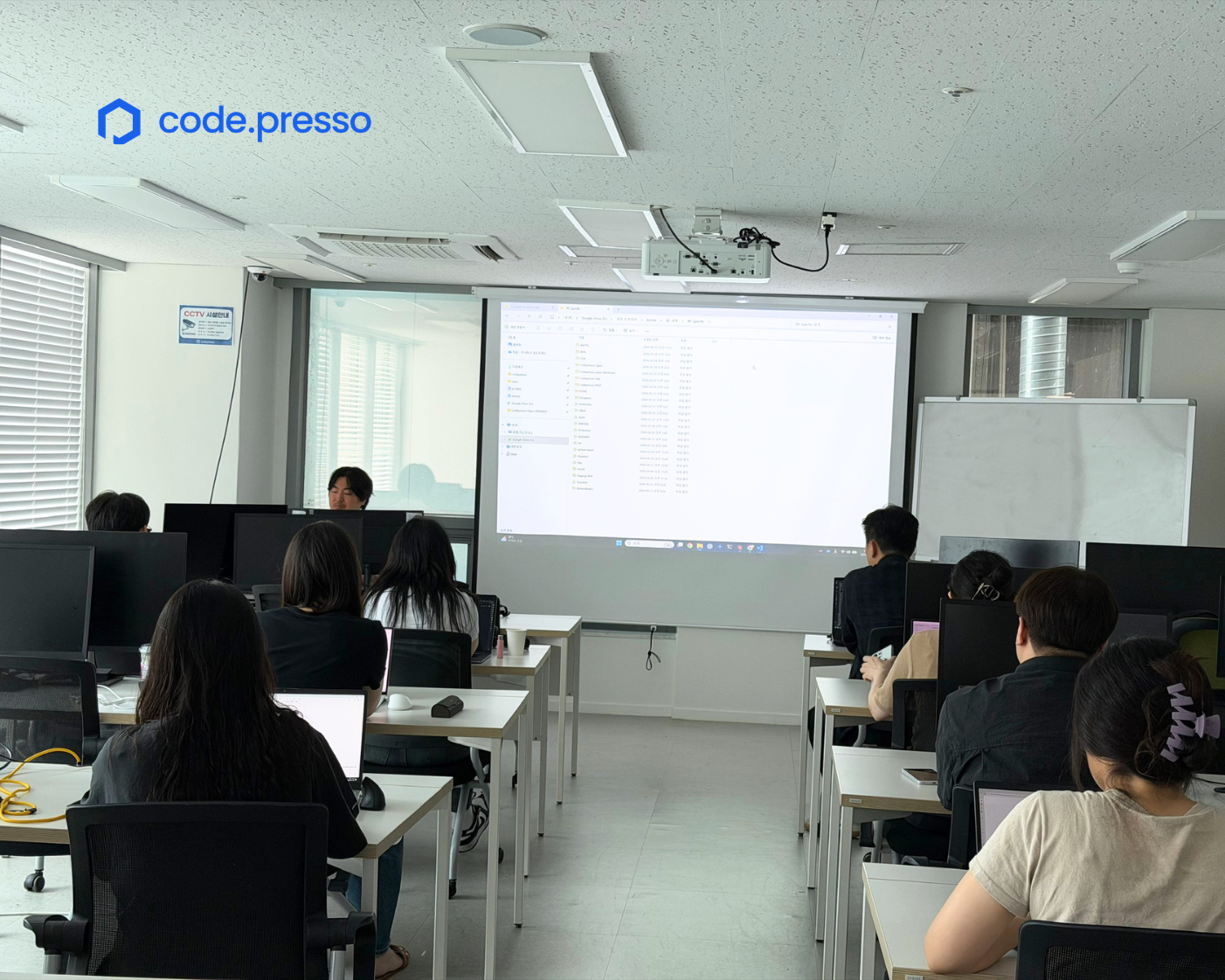
The training was organized into three stages:
| Step | What Participants Do | Final Deliverable |
|---|---|---|
|
STEP 1 Plan & Build |
Learn the basics of AI agents, set up Claude Code, write a product requirements document (PRD), and build a web application locally. |
PRD.md v0.1 and a working local web application
|
|
STEP 2 Improve & Deploy |
Define the service requirements in CLAUDE.md, add new
features, and deploy the application through Vercel.
|
A live web application with a publicly accessible URL |
|
STEP 3 Integrate & Launch |
Manage versions with GitHub, integrate a Supabase database, and extend the service by connecting Skills and MCP tools. | A production-ready web service with database integration |
STEP 1: Understand the Fundamentals and Build a Local Web Application
STEP 1 begins by explaining why AI sometimes generates information that sounds plausible but is inaccurate, a phenomenon known as hallucination, and how providing sufficient context can reduce this risk.
Participants then learn the RICJ framework, a four-part structure for creating more systematic and effective prompts:
- Role: What type of expert should the AI act as?
- Instruction: What exactly should the AI do?
- Context: What background information does the AI need?
- Judgment Criteria: What requirements and conditions must the output satisfy?
Participants also learn how AI agents such as Claude Code operate.
An AI agent determines the next action, calls the appropriate tools, reviews the results, and repeats the process until it reaches the intended goal. To remain in control of this process, participants learn five forms of human oversight:
Instruction, interruption, permission control, review, and plan review.
During the hands-on exercise, participants create the same application portal in three different ways:
- Using a short, general request
- Using the RICJ framework
- Using few-shot prompting with examples
Comparing the results demonstrates that RICJ helps reduce missing requirements, while few-shot examples can significantly improve design quality and consistency.
Participants then document their requirements in a PRD.md file instead of leaving them buried in a chat conversation.
A practical PRD can begin with just six sections:
- Purpose
- Users
- Core Features
- Screens
- Design
- Success Criteria
The key is to replace broad statements such as “change the world” with specific, measurable requirements such as “Users must be able to complete registration within three clicks.”
By the end of STEP 1, each participant has two tangible outputs: a PRD.md file and a functioning web application running locally on their computer.
STEP 2: Deploy the Application to a Public URL
A localhost URL is only accessible from the computer on which the application is running.
This means that if a participant sends the URL to a colleague—even someone sitting right next to them—the colleague will not be able to open the application.
Deployment solves this problem by placing the application files on an internet-accessible server, allowing anyone with the URL to access the service.
In STEP 2, participants create a one- to two-page service specification in a CLAUDE.md file, gradually add new features, and deploy the application through GitHub and Vercel. The result is a public URL in the vercel.app format.
Participants do not need to memorize terminal commands. Instead, they describe what they want to accomplish in natural language, and Claude Code executes the necessary commands on their behalf.
At this point, the project moves beyond a local prototype and becomes a service that others can access and test.
STEP 3: Add Version Control and Database Integration
In STEP 3, participants use GitHub to manage changes to their project and connect the application to a Supabase database.
This allows them to move data that was previously stored only in an individual user’s browser into a shared database that multiple users can access.
When the code changes, participants commit and push the updates through GitHub so the deployed version can be updated as well.
By connecting tools and data through Skills and the Model Context Protocol (MCP), participants can extend the application beyond a basic prototype and move it closer to a production-ready service.
What Did Participants Think of the Program?
The hands-on exercises evolved across the four cohorts.
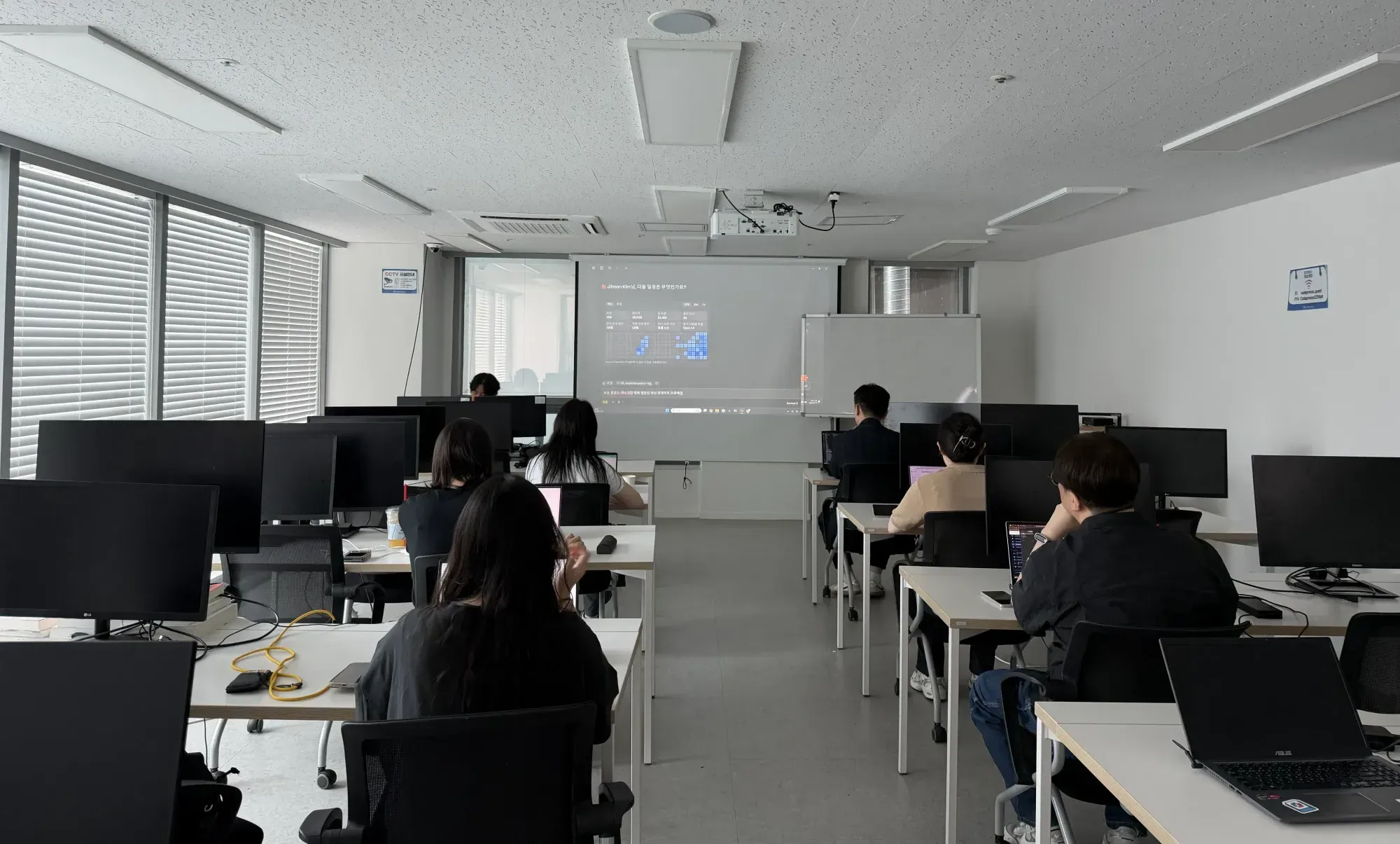
Earlier sessions used familiar personal scenarios, such as building a personal finance dashboard or organizing travel booking emails. Later cohorts shifted toward workplace-focused use cases, including attendance dashboards, tax invoice reconciliation, and internal policy search.
One participant reflected:
“I realized that having someone guide you through each stage of the AI learning curve is the fastest way to overcome the barriers you encounter along the way.”
Rather than struggling alone with technical documentation, participants could ask the instructor or their peers for help and continue working through challenges together.
Another participant highlighted the flexibility they gained by moving beyond the traditional chatbot experience. Instead of simply asking questions and receiving written answers, they could use an AI agent to create files, execute commands, and produce a working service.
Some participants found the deployment and database integration exercises in the later stages particularly challenging.
This highlighted an important reality: even when participants do not write code themselves, deployment and database integration still require a basic understanding of the underlying concepts.
For this reason, the program was not designed to compress all three stages into one uninterrupted session. Breaks were built into the curriculum so participants could process what they had learned and apply the concepts again using their own data and use cases.
The program did not teach participants how to write code.
Instead, it taught them how to define requirements, provide context, document specifications, and communicate decision criteria to an AI agent.
By progressing from STEP 1 through STEP 3, participants were able to leave the program with a publicly accessible URL for a service they had planned and built themselves.
The goal was not simply to give non-developers another AI tool. It was to change the way they approach their work.
If you can clearly define what you want to build, AI can handle much of the execution that follows.
For professionals looking to apply AI to their own work, a practical first step is to choose one recurring task and describe it using the six sections of a simple PRD.

Frequently Asked Questions
Can I build a web service without coding experience?
Yes. Participants communicate their requirements to an AI agent using natural language. The agent then handles much of the coding, command execution, and deployment process.
The participant’s role is to define what should be built, provide the necessary context, and review the results.
Although no coding experience is required, understanding basic concepts such as local development, deployment, version control, and databases becomes increasingly helpful as the project grows more advanced.
How complete is the final deliverable?
By the end of the program, participants can create:
- A completed
PRD.mdfile - A functioning web application with input and submission features
-
A publicly accessible deployment URL in the
vercel.appformat
Participants who complete the advanced stage can also connect the application to GitHub and integrate a Supabase database.
Which AI tool is used in the program?
The program uses Claude Code.
Using natural-language instructions, participants can ask Claude Code to generate code, modify application features, manage project files, upload the project to GitHub, and deploy it through Vercel.