AI for Procurement and Import Certification: Inside DRIMAES’ AX Grow Program

One-Minute Summary 💡
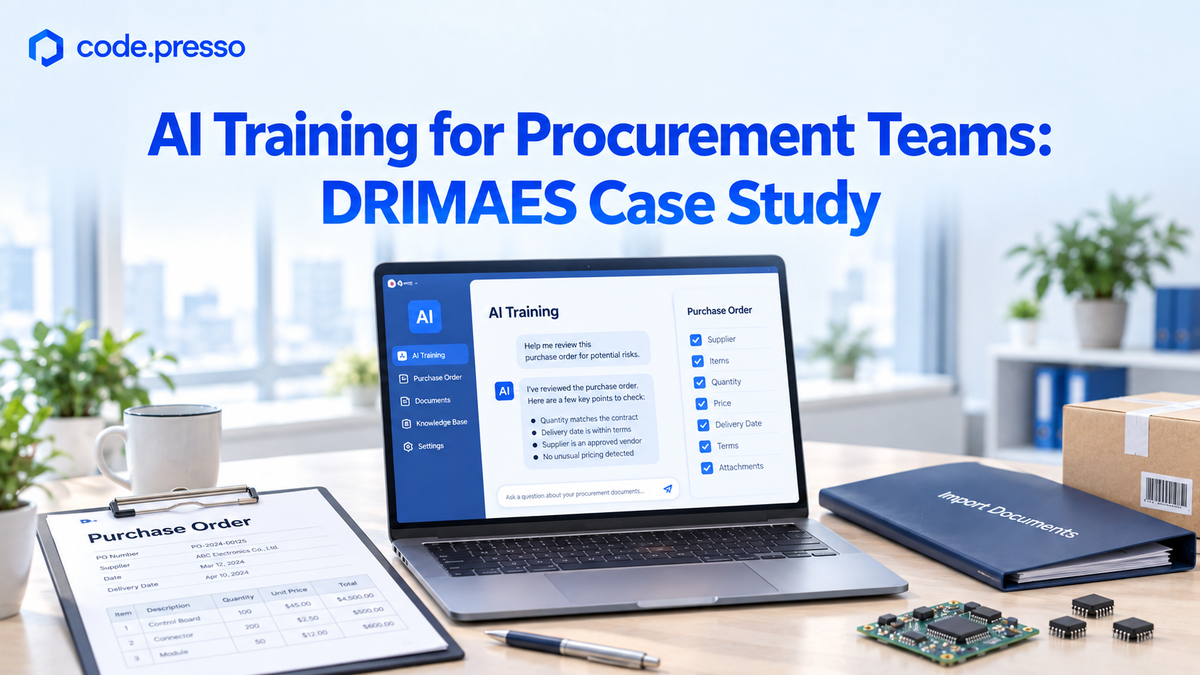
DRIMAES, a mobility company that develops automotive software, needed AI training grounded in the daily work of its procurement staff. AXMOS designed and delivered a seven-day program across four courses for employees with no coding experience. This case study explores how inventory checks, supplier management, and import paperwork became practical AI projects and why learning to give AI clear instructions comes before learning to delegate work to it.
New to AX Grow? Start with our AX Grow program overview.
Why Procurement Teams Still Handle Inventory Checks and Paperwork Manually
DRIMAES develops mobility solutions for software-defined vehicles (SDVs), including in-vehicle infotainment, driver monitoring, surround-view systems, blind-spot detection, and over-the-air software updates.
The program focused on nontechnical employees in its PM and business development teams who handle procurement and purchase orders.
Their workload was familiar to many procurement teams: urgent orders, import certification checks, supplier management, and a steady stream of paperwork, all with limited staff. Checking supplier inventory and lead times meant repeatedly opening files. Preparing customs declarations meant filling in the same types of information over and over.
Using generative AI did not necessarily change that workflow. The opening onboarding session explained why through three stages of working with AI:
| Stage | How work gets done | The human role |
|---|---|---|
| Phase 1: Working without AI | Reports start from a blank page, and repetitive tasks spill into overtime. | Create and complete everything manually. |
| Phase 2: Asking AI | AI provides answers, but employees still copy the output and apply it to their work. | Turn AI responses into completed tasks. |
| Phase 3: Delegating to AI | AI carries out assigned tasks within defined rules. | Set the direction and verify the results. |
In Phase 2, an employee might ask a chatbot for a customs declaration template. Opening supplier inventory files and organizing the information still falls to that employee.
AX Grow was designed to help participants take the next step: delegating defined tasks to AI.
Five Practical AI Use Cases Built Around Procurement Work
AXMOS built the training around tasks participants were already handling that week. Each exercise connected a real operational challenge to a tool or workflow they could build with AI.
| Procurement challenge | Practical AI project |
|---|---|
| Inventory levels and lead times must be checked across supplier files, making urgent requests difficult to answer quickly. | Supplier inventory dashboard |
| Unit prices, payment terms, certification status, and delivery histories are scattered across records. | Centralized supplier management tool |
| Employees manually track required Korean certifications, including KC and electromagnetic compatibility certifications, and their expiration dates. Missed checks can lead to the delivery of uncertified products. | Import certification tracker |
| Repeated fields in customs declaration documents must be filled in by hand. | Automated first drafts of import declaration documents |
| Monthly purchase order totals, upcoming payment dates, and projected profitability must be calculated separately and reformatted for management. | Purchase order and cash flow analysis report |
These five demonstrations involved different types of work. An inventory dashboard or supplier management tool requires an interface. Certification reminders and document drafting require AI to read information, apply rules, and produce an output.
That distinction shaped the training. Participants first learned to describe the software they wanted AI to build. Then they learned to define the rules for work they wanted AI to perform.
Step 1: Build a Supplier Inventory Dashboard with Natural-Language Instructions
The first step focused on communicating clearly with AI. Participants did not need to learn how to read or write code to describe the tool they wanted. This approach to building software through natural-language instructions is known as vibe coding. The program captured its core idea in one sentence:
“You’re learning to manage AI, not to code.”
Participants practiced by building a supplier inventory dashboard, using instructions written entirely in Korean. They added functionality in three rounds:
| Round | Instructions for AI |
|---|---|
| 1 | Display the supplier name, part name, current inventory, minimum safety stock, and lead time in a table. Highlight rows in red when inventory falls below the safety stock level. |
| 2 | Add search filters for supplier and part names. At the top, display summary cards showing the number of suppliers with low stock and the total number of suppliers. |
| 3 | Add a “Reorder Needed” button to each row. When clicked, open a pop-up form for a purchase request memo. |
Each round added a specific capability, giving participants a manageable way to develop the dashboard. The resulting interface provided a place to check inventory when an urgent customer order request came in.
To make those instructions more effective, participants also practiced prompt frameworks that specify a role, a task, relevant context, and evaluation criteria. They learned to choose an appropriate framework for anything from a quick, standalone task to a complex strategy or analysis report.
The exercise also introduced an important observation: participants described the screen they wanted without specifying which tools to use. Claude Code selected the tools, created the files, and launched the interface.
That experience set up the next stage: understanding how AI could take responsibility for a defined workflow beyond building a screen.
Step 2: Delegate Certification Tracking and Document Drafting to AI Agents

Tracking certification deadlines and drafting customs documents require more than an interface. AI needs to read source material, make decisions within defined rules, and produce usable results.
This stage focused on how to delegate work safely to AI agents.
The program introduced an AI agent through a familiar analogy: a new employee. A new hire reads the work manual, uses office tools, refers questions to specialists when needed, and works under a manager’s approval throughout the process.
Just as a new employee needs a clear handoff, an AI agent needs explicit instructions. Participants used a four-part delegation checklist:
| Element | Question to answer | Example for a certification tracker |
|---|---|---|
| Goal | What should the agent accomplish? | Identify certifications expiring within 30 days and prepare a list for notifying the responsible staff. |
| Procedure | What steps should it follow? | Read certification files, calculate time until expiration, identify relevant records, and draft notification messages. |
| Boundaries | What must it avoid doing? | Do not modify source files. Mask supplier contact details. Do not send data outside the organization. |
| Acceptance criteria | What must the output include? | Write in Korean. Use a table with supplier names, certification types, and days remaining. Sort by expiration date. |
The difference from Step 1 is the scope of responsibility. A prompt framework helps employees give AI a clear request. A delegation checklist defines how AI should carry out a task, including what it must never do.
Boundaries are especially important in procurement, where workflows involve supplier information, unit prices, and payment terms. Because agents can choose actions as they work, those limits need to be defined in advance.
Participants saved these rules in reusable files so they would not have to explain the same process every time. Each file became a work manual for the agent and an asset for future tasks.
The program described this cumulative approach as follows:
“A Skill you create stays with you. As the program progresses, Skills accumulate and combine to handle more complex work.”
This stage also covered connecting AI to the services where company information lives, such as document platforms, messaging tools, and repositories. With existing connection standards and integrations available, the nontechnical employee’s task is to install, authenticate, and connect the relevant integration.
From a One-Page Idea to a Deployed Business Application
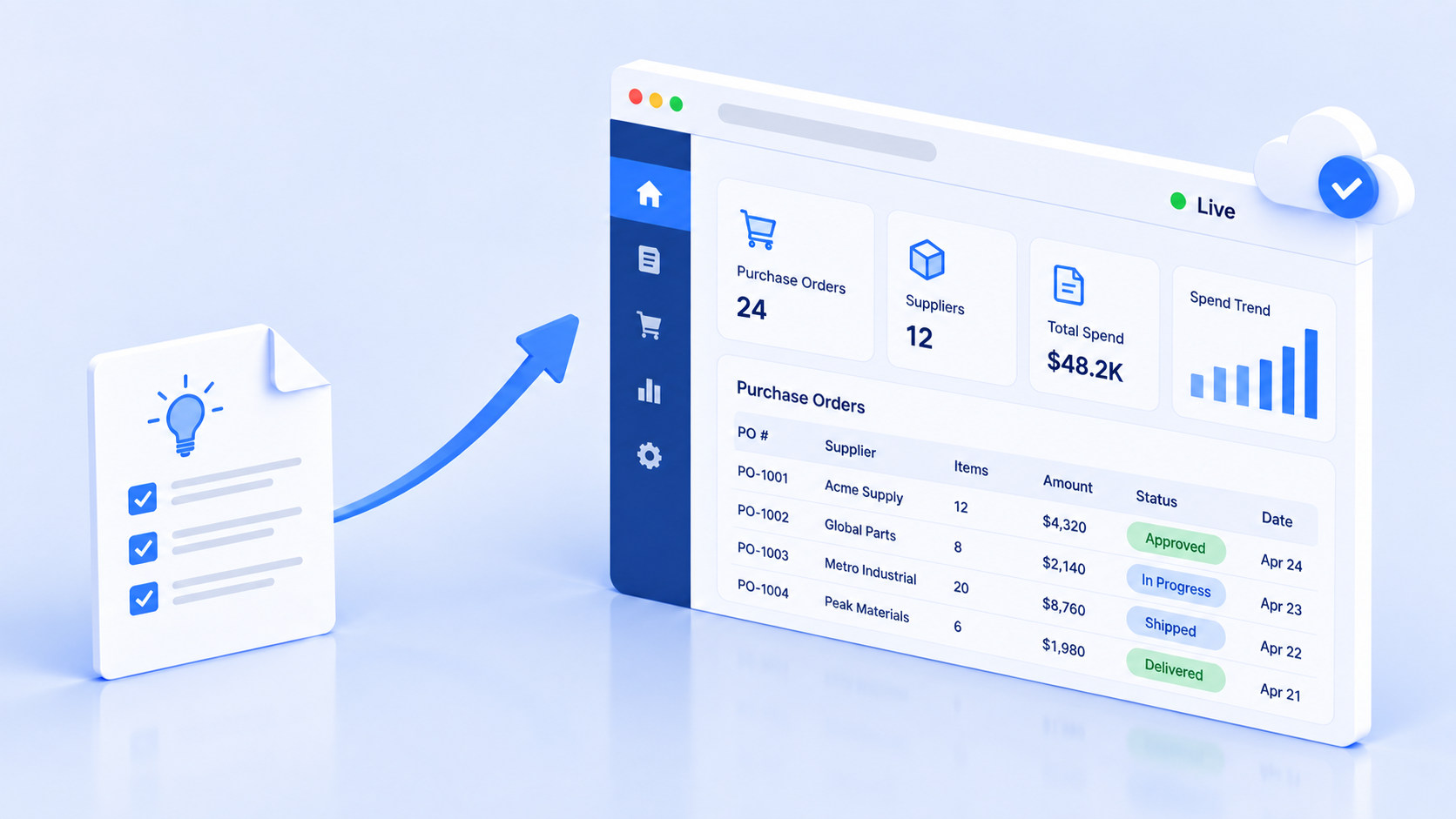
The one-page planning note created at the start of the program remained in use throughout the training. As participants refined their projects, the note grew into a more complete design document, while their workflow rules became a reusable collection.
These documents and rules were designed to remain useful long after the initial practice interface was complete.
| Stage | What participants create | Question it answers |
|---|---|---|
| 1 | A one-page project brief covering the service name, primary users, three core features, and success criteria | What do I want to build? |
| 2 | A project rules document covering working rules, the delegation checklist, and connection details | How should AI work? |
| 3 | A requirements document, project rules, and a data design | What is the shared reference for the complete service? |
| 4 | A practical project plan, an improvement log, and a draft team standard | How can my approach become a repeatable way of working for the team? |
The roadmap summarized that progression in one line:
“The single-sentence note you write today becomes the design document for a real service on the final day.”
In the intensive course that followed, participants used this documentation to build an application from start to finish. The sequence covered requirements, interface development, data storage and retrieval, testing, and deployment, ending with an accessible URL.
The final course focused on solving work problems participants brought from their own roles.
Clear Completion Criteria for Practical AI Skills
Program completion was defined through observable work. Participants were assessed on whether they could demonstrate:
- A record of managing a project with a rules document.
- At least two workflow rule files they created themselves.
- A connection to at least one external service.
- How they used AI across planning, development, and deployment.
- The ability to write their own delegation checklist.
The program’s scope extended to helping individuals establish an AI work environment and draft an initial team standard. Formalizing that standard and expanding adoption across the organization belonged to follow-up programs, such as team standards workshops and department-specific consulting.
Frequently Asked Questions (FAQs)
Can the hands-on projects be customized to our company’s workflows?
Yes. Customization is central to the program’s design.
At DRIMAES, participants handled procurement and purchase orders, so the exercises focused on inventory dashboards, certification tracking, and customs document drafts.
For other roles, the exercises shift to those employees’ recurring tasks. Within the same curriculum, marketers might automate performance reporting, while sales teams might build a workflow that generates proposal drafts.
Can we use the tools with real company data right away?
That decision starts with the boundaries defined in the delegation checklist and your company’s data policies.
Participants practice setting rules such as protecting source files from modification, masking supplier contact information, and preventing data from being sent outside the organization.
Applying those boundaries in line with internal policies is the starting point for using the tools with real business data.
Will the entire team be working with AI by the end of the program?
The program prepares individuals to establish an AI work environment for their own tasks and create a draft team standard.
Formalizing shared standards and expanding adoption across teams or the wider organization requires participation in follow-up programs.