How to Verify AI-Generated Analytics: Numbers & Data Accuracy

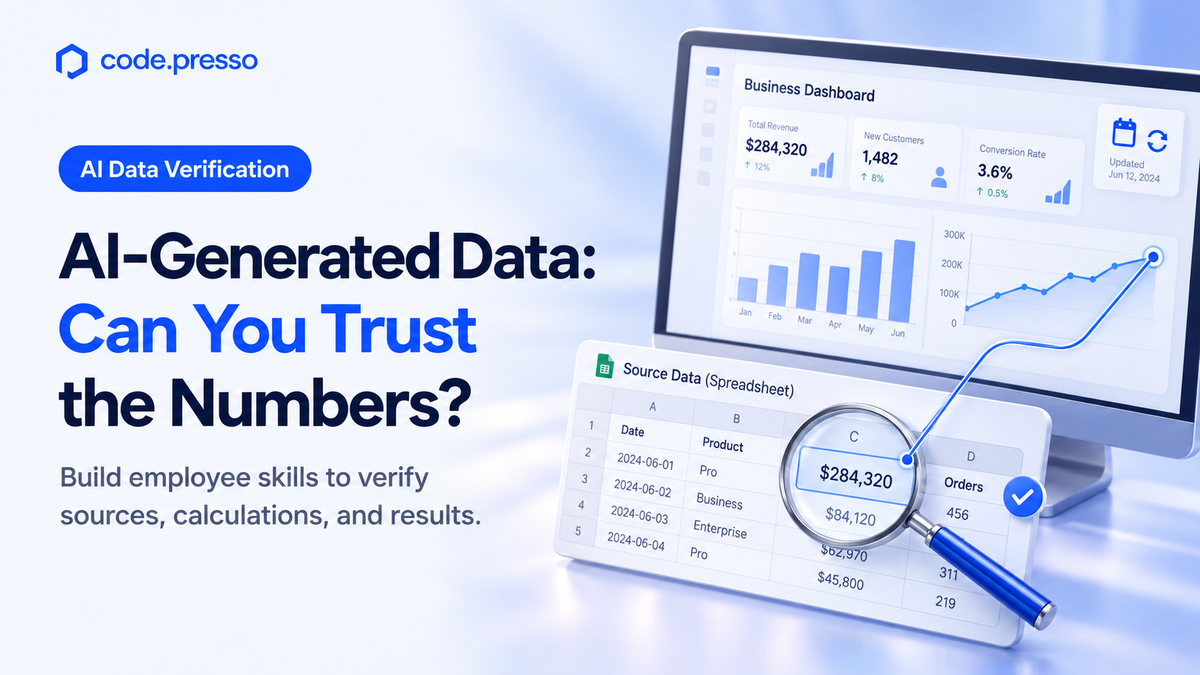
Learn how to check source data, calculation rules, and refresh times in AI-generated reports, and assess employees’ verification skills before and after training.
|
One-Minute Summary 💡 |
|
Imagine a marketing team preparing this month’s campaign performance report for senior management. AI turns the results into polished charts showing performance by channel.
But what if one chart groups results by registration date and another by payment date? Placing them side by side does not make them comparable. Before focusing on presentation, the team needs to align the reporting criteria.
This is a key concern for Codepresso, a specialist in AI competency assessment and training.
Verifying an AI-generated report means checking its figures against source data and confirming that the calculation rules and interpretations match the business purpose. Training managers need to see both the charts employees produce and the checks they perform.
What Does the Claude Dashboards Announcement Mean for Business Users?
The announcement brings together two capabilities: generating figures and inspecting how those figures were produced.
According to Anthropic’s official announcement on October 8, Claude Dashboards allows users to ask questions about connected company data and create dashboards that display multiple metrics in one view.
Users can click a number to inspect the query used to calculate it or ask for an explanation. A query specifies which data to retrieve and the conditions to apply. Each chart also displays when its data was last refreshed.
These features give business users a way to examine the basis of the figures they see.
In the same announcement, Anthropic stated that users had created more than 45 million documents, presentations, and designs within Claude. This is a company-reported count of generated outputs. It does not represent the number of users, verified reports, or demonstrated training outcomes.
“Claude makes the first version, and you decide what gets shared.”
— Anthropic official announcement, October 8, 2026
As of October 10, 2026, Dashboards was a beta feature. For Enterprise organizations, it was disabled by default and required an administrator to enable it. Availability for individual organizations in South Korea, along with the scope of internal data that can be connected, requires separate confirmation.
This article focuses on the verification skills employees should practice as these capabilities develop, rather than on implementing a particular tool.
How Can You Verify the Numbers in an AI-Generated Report?
Find the source data, align the calculation rules, recalculate the figures, and document your checks.
Codepresso recommends separating these activities into four stages during training. The following is a proposed training checklist, distinct from AI Fluent’s publicly described scoring criteria.
| Stage | Employee Actions | Verification Record |
|---|---|---|
| 1. Locate source data | Open the source table or file for each figure. Confirm the data version used. | File name or source link, and items checked. |
| 2. Align calculation rules | Check the reporting period, population, units, and exclusions against the chart’s last refresh time. | Date basis (registration or payment) and whether canceled transactions are included. |
| 3. Recalculate figures | Recalculate totals or ratios from the source under the same conditions. Compare results. | Formula, match status, and reasons for differences. |
| 4. Document checks | Correct inaccurate figures and interpretations. Separate unverified items from material ready to share. | Before-and-after revisions, supporting evidence, and outstanding questions. |
Consider the statement “The conversion rate increased” in the marketing report.
A conversion rate measures the proportion of a defined group that completed a desired action. First, determine whether that group consists of visitors, registrants, or another population. If the denominator changes, a metric with the same name can mean something different.
Use prepared training datasets rather than actual customer information. Include conditions that affect interpretation, such as records with different registration and payment dates or canceled transactions.
Before adjusting chart colors, participants should explain which records they included, which they excluded, and why. Instructors should assess both the correctness of the answer and the method used to verify it.
Record when the data was accessed, too. If the source changed in the afternoon but the chart was created in the morning, a discrepancy may reflect a data refresh rather than a calculation error.
Teach employees to compare data from the same point in time before concluding that a figure is wrong.
What Prompts Can Help Employees Verify AI-Generated Reports?
Instead of simply asking AI whether its conclusion is correct, ask it to organize the sources and calculation rules for each figure into a table.
The following is a training example proposed by Codepresso. Employees must still check the AI’s response against the original data.
Review the key figures in this campaign report. For each figure, create a table showing the original file and relevant fields, reporting period, inclusion and exclusion rules, units, and calculation method. Do not estimate values that are missing from the data; mark them as “Verification required.” Separately identify any statements in the report that draw conclusions beyond what the figures support.
This prompt does not complete the verification process.
Open the sources AI provides to confirm that they exist, and inspect the values used in each formula. Getting the same answer from another AI system does not replace checking the original data.
For beginners, assign one metric and ask them to complete its verification record. As they gain confidence, expand the exercise to comparing charts with different calculation rules or revising statements whose figures are correct but whose conclusions are overstated.
These exercises put the judgment skills needed in AI training for non-developers into practice.
How Can You Assess Employees’ AI Competency?
Review the finished work alongside the process employees used to refine their questions and check for errors.
In a report verification exercise, observable behaviors include whether employees:
- Locate the original data.
- Align the criteria used for comparison.
- Distinguish verified findings from unresolved information.
A correct final figure does not tell you whether an employee copied a colleague’s answer or independently calculated and verified it.
Similarly, an incorrect first answer can still provide useful evidence of competency if the employee identifies the cause, corrects the result, and documents the reasoning. Training managers who collect only the finished report can easily miss these differences.
For guidance on introducing assessments in your organization, see the AI competency assessment and training effectiveness checklist. The verification exercise in this article is a specific application for reporting tasks.
Before using assessment results directly in performance reviews, also consider the principles for establishing evaluation criteria and giving employees an opportunity to prepare.
How Do Dashboard Features Differ from AI Fluent Assessments?
Dashboard features help users create and examine business outputs. AI Fluent assesses the competency of the employees working with AI tools.
Product features, internal training exercises, and dedicated competency assessments serve different purposes and produce different evidence. Distinguishing them helps organizations choose an approach that matches their training goals.
| Approach | Intended Users | Focus | Evaluation Method |
|---|---|---|---|
| Claude Dashboards | Users exploring connected company data. | Generate charts, inspect calculation queries, and view data refresh times. | The announcement describes product features, not an employee competency assessment method. |
| Internal report verification exercises | Employees practicing specific reporting tasks. | Source datasets and verification tasks prepared by the training manager. | Review verification records and deliverables against the organization’s criteria. |
| Codepresso AI Fluent | Employees needing role-specific AI competency assessment. | Evaluate prompt histories, intermediate outputs, and final deliverables. | Use role-specific tasks and an organization-wide scoring framework for pre- and post-training assessment. |
AI Fluent’s strength is its ability to examine how employees work with AI as well as what they produce, then compare performance before and after training using the same criteria. It is designed to assess results through a shared competency model, even when employees perform different tasks across job roles.
This does not mean AI Fluent automatically detects every error in business data or guarantees report accuracy. Organizations should confirm the assessment scope appropriate to their target roles and business context.
Separating tool capabilities from employee competency gives training managers a clearer basis for deciding what employees need to learn next.
What Should You Reassess After Training?
After training, use a new task of comparable difficulty to assess the same verification behaviors.
Change the dataset while maintaining a similar level of complexity in the calculation checks. This helps distinguish genuine competency development from remembering the answer to an earlier exercise. Alongside attendance and satisfaction, document the evidence participants found and the errors they corrected.
For example, if an employee overlooked a unit of measurement before training but independently checks it afterward, that behavioral change provides concrete evidence of learning. Also assess whether employees can leave an unverified figure unresolved instead of forcing an answer.
Codepresso recommends using assessment findings to guide training, followed by reassessment to check progress. This is also why AI literacy assessment needs to go beyond prompt writing.
Report competency development separately from business outcomes such as revenue or cost savings. Before attributing a particular outcome to a single training session, establish what employees can now do that they could not do before.
Frequently Asked Questions (FAQs)
What Skills Do Employees Need in the AI Era?
Employees need to frame questions that fit the business task, compare AI-generated outputs with source data, and decide whether those outputs are suitable for use.
For reporting tasks, start with checking the reporting period, population, and calculation method, then explaining why any corrections were necessary.
How Should We Handle Numbers Without a Source?
Remove unverified figures from the final report or clearly mark them as pending verification.
Locate the source data and calculation rules, then recalculate the figures. Move them into material ready to share only after a reviewer has verified them and documented the supporting evidence.
Are Numbers Displayed in Claude Dashboards Already Verified?
The official announcement describes features for inspecting how figures are calculated and when chart data was last refreshed.
That does not guarantee that the reporting period, population, or exclusion rules are appropriate for your task. The person responsible must still check them against the original data.
Verifying an AI-generated report means comparing its figures with source data and confirming that the calculation rules and interpretations serve the business purpose.
What Evidence Shows Competency Improvement Beyond Course Completion?
Ask employees to complete tasks of comparable difficulty before and after training. Compare their prompt histories, revision processes, and final deliverables against the same criteria.
AI Fluent evaluates both process and results, helping organizations assess how employee competency changes after training.
Who Can We Contact About AI Competency Assessment and Training?
Contact Codepresso at sales@codepresso.kr .
Tell us which job roles are involved, the reporting tasks employees currently perform, and the improvements you want to assess after training.
We can discuss an assessment and training approach suited to your organization.
References
- Anthropic, Build live dashboards and animate explainers with Claude — Published October 8, 2026; accessed October 10, 2026. Source of the quotation on creating the first version and deciding what to share.
- Codepresso, AI Fluent product overview — Public article reviewed October 10, 2026.
Written by: Codepresso Global GTM & Partnerships (GGP) Division